MattL28
Members
-
Joined
-
Last visited
Everything posted by MattL28
-
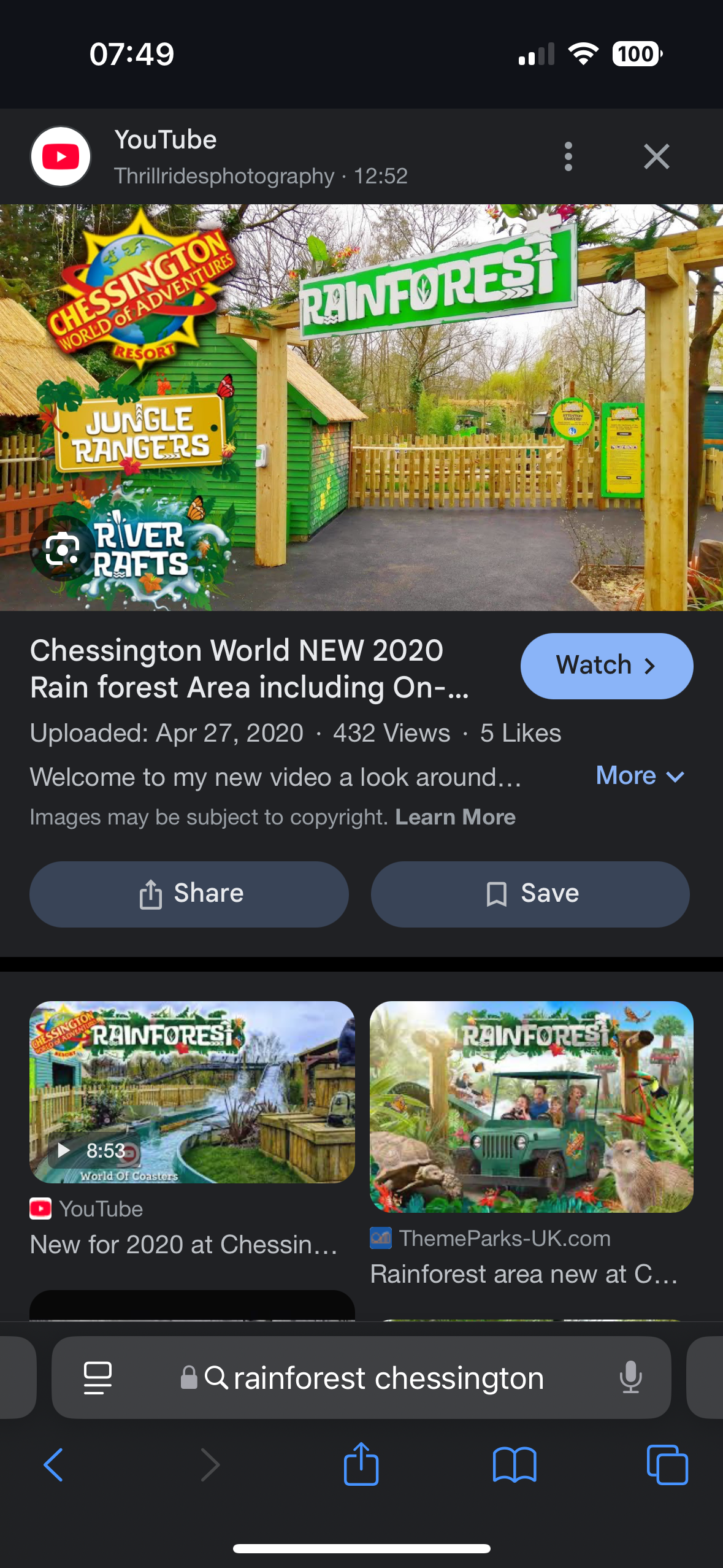
It actually kinda annoys me, last season they were saying that land names were pointless because there are no defined entrance portals and then at the same time create big easy boulevard and fearless valley. I genuinely would be happy if in 2025 they have entrance portals located at points in the park. Even as simple as the rainforest at Chessington. No name for the ghost train area, but makes sense as it looks like they are saving the slammer area for when they knock ghost train down and have a big area to use
-
Pricing is inconsistent but why does it matter when everything will be in the £1000s Only 20% for charity? are they really that struggling for money?
-
I don’t get what target Merlin are expecting the parks to perform and therefore give them money to invest. They spent a load last season to improve the parks but of course, it doesn’t provide any direct return of their investment and probably are having buyers regret. I think most people could have seen no investment including Hyperia would majorly increase visitor numbers. So honestly confused as to why they spent all this money and then say they have no money. Fortunately, it looks like project sparkle is happening again with the slammer removal and the beach project. Both improve the look of the park (slammer less so because they are leaving the area as is) It might be too early to tell if the repaint is continuing, not sure if it’s a spring job?
-
I think I’m in the minority but I actually quite like the hotel for Thorpe. It is very modern day Disneyland Paris, which doesn’t work for Disney but in some respects would be nice to have at Thorpe rather than tacky. It will be interesting to see whether this goes ahead but knowing attraction source there’s no smoke without fire. There’s gotta be some insider information. I remember when Hyperia had its consultation the then General manager Neil Poulter said they would build one when it becomes a two day destination and I think we are quite far away from that
-
attraction source have reported that a new hotel is in development
-
I noticed last night Colossus is the only coaster with a Fright Nights soundtrack in the station. It’s very Vampire sounding like Chessington. I don’t really get it but it’s a thing……. I agree with the above, realistically if you’re going to have scare zones. You need to add more zones or convert Creature Campus and Lucifiers Lair (I like the concept, so it could stay) to an actually scary zone without having to speak to them and rely on dialogue. The theming and types of creatures in a scare zone should mean every time you walk through the area you get scared. Thorpe probably lack the theming in their scare zones at the moment. The existing two can stay but I know they have issues with hiring actors
-
What does everyone think about these rumor of the beach going? The poster in the queue for DeadBeat hints that it’s going. Would we see planning permission beforehand? I assume if they were getting rid, it would be done this closed season rather than just leaving it SBNO. It’s gotta be replaced with something which improves the current view for all times of year. Two routes they could go down, an impressive flat ride that people can watch from the dome or simply just a large area to improve general park infrastructure. I still believe all of the park needs resurfacing still this closed season…
-
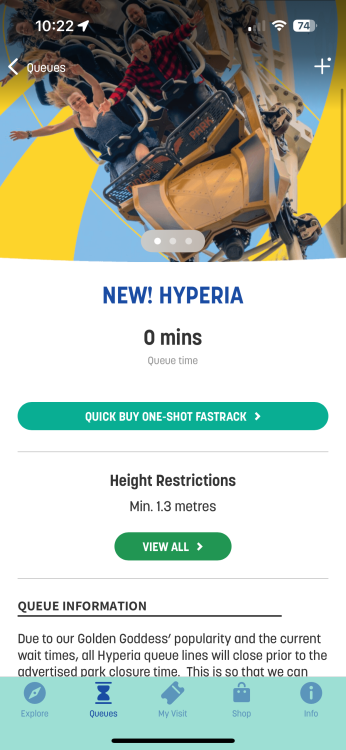
Supposedly back open, if true. That’s amazing but only fuelled by the economic damage it would have brought if it was closed
-
Right in time for Fright Nights :))))))) It was clear it was running slow, so why not fully load the train with dummies? Especially in the morning Anyway, looks like over closed season they will have to implement new procedures to avoid this occurring. It’s too late now to modify the ride in anyway.
-
Feel like if it was an event space, it will be a short term thing. If so, will it look the greatest. The lakeside picnic area is nice but does it look the greatest, no? With the removal of the beach, slammer and the picnic area. There will be lots of empty spaces around the park, temporarily awaiting rides
-
Just seen the line up, - Amount of up charges at an all time high. - The amount of free scare zones at an all time low since 2020. In 2020, Thorpe had a good amount of scare zones and genuinely thought they were going to go further with it and that would be the winning formula: lots of scare zones alongside mazes. Its a big shame to have scare zones go, it does really make the event. It feels lesser now unless I buy the £99 maze pass
-
I thought this too, I don’t necessarily think that the closing of the group was a budget cut itself. I think the closing of the group was the first sign of things not going the way it was meant to go this year. There was no real reason to close it and the group was a very Thorpe thing and it was good to have the openness. To me, it closing was a sign of things going back to their old ways
-
I think a good indication of cuts is if slammer doesn’t get removed this year and sparkle project doesn’t happen again. Both require investment and both were said to happen this coming closed season. So if it’s changed, it will be a good indicator
-
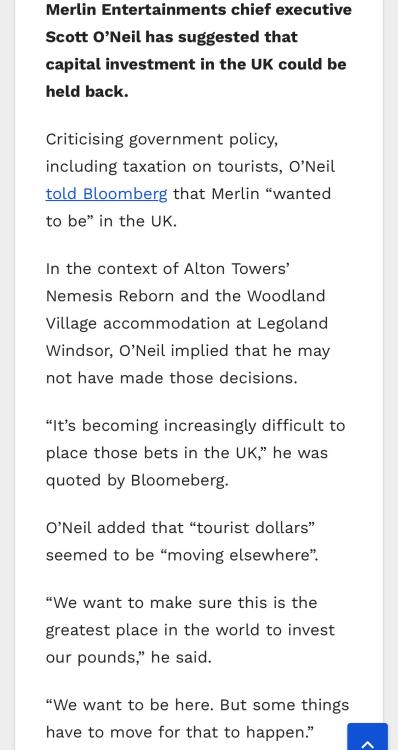
From a ride rather article and Bloomberg : Here
-
It would be quite surprising if the cost cutting was due to the performance of 2024 investments. A company that big to respond that quickly. However, it does seem that way and the future of the parks are more interesting than ever. Will it mean it’s another 10 years for a new coaster? It’s clear the parks are reducing costs, Chessington is abandoned. Scott was clear he was moving investment away.
-
There was an initial excitement at all the Merlin parks to do these all year around events. Fully cram the calendar with events, at one point. You could never go to any of the Merlin parks without having an event on. Then they realised it was too much then this year cut all the events. Simply the events are a lot of effort for no pull. I can confidently say that it did not bring in more guests by putting the events on. Especially at Thorpe, quite often there are minimal crowds for any of the shows. It’s due to the target audience though, put on a stunt show and people would watch. I’m not sure how to feel really, Thorpe hyped it up as their biggest season ever and it has come through by having Hyperia but in someways it’s been cut back after cutback. Either go all out with these events or don’t bother at all. I miss the event variants of the island soundtrack. The new Thorpe soundtrack isn’t memorable or iconic