

Leaderboard

Popular Content
Showing content with the highest reputation on 03/21/26 in Posts
-
2 pointsFantastic news about Zodiac seemingly making a comeback soon. It seems Thorpe are a lot more prepared for the season ahead than Alton Towers, which has several rides closed for the foreseeable future, and is continuing to struggle to open rides at opening time every day. Hopefully Thorpe will be able to continue with their good operations and availability that they’ve had for several years now. It’s encouraging to see only 2 rides listed to be closed, for just 2 days at that.2 points
-
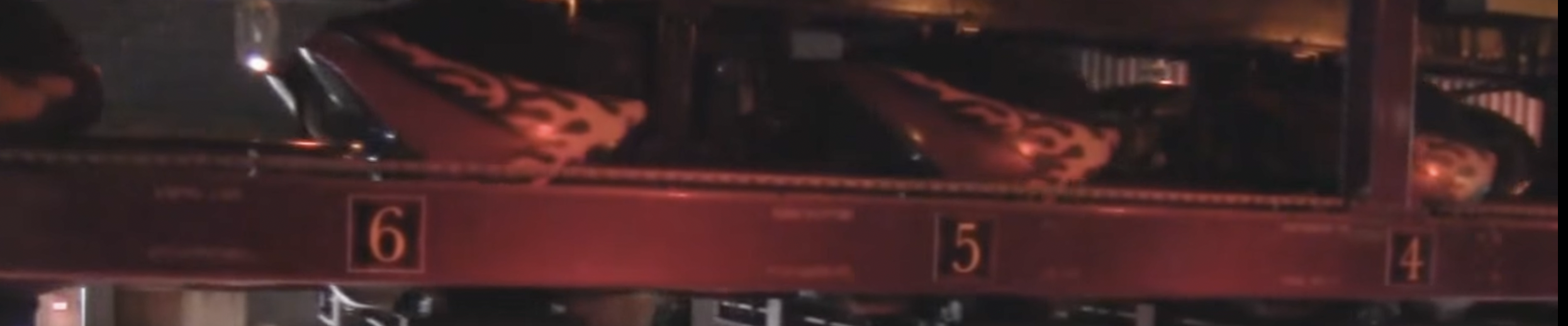
1 pointThorpe ParkRide Availability Information | Thorpe Park ResortCheck live ride availability on the Thorpe Park App, including real-time updates on ride closures and maintenance. Plan your visit with confidence today! Ride availability page updated to show that Tidal Wave and Zodiac will be closed this weekend. It specifically states 21-22nd March so will be interesting to see if they open next week. Zodiac was closed most of last season and has last operated in June (?) I believe but looks like it'll be making a return this season. The gondolas which were removed last season have been added back on and it looks like all the gondolas have been tidied up. All the old branding Thorpe logos have been removed.1 point