



Jump to content
View in the app

A better way to browse. Learn more.

Thorpe Park Mania Forums

A full-screen app on your home screen with push notifications, badges and more.

To install this app on iOS and iPadOS
  1. Tap the Share icon in Safari
  2. Scroll the menu and tap Add to Home Screen.
  3. Tap Add in the top-right corner.
To install this app on Android
  1. Tap the 3-dot menu (â‹®) in the top-right corner of the browser.
  2. Tap Add to Home screen or Install app.
  3. Confirm by tapping Install.

Leaderboard

Popular Content

Showing content with the highest reputation on 04/23/26 in all areas

  1. Stealth

    Jax reacted to jordionie for a post in a topic

    1 point
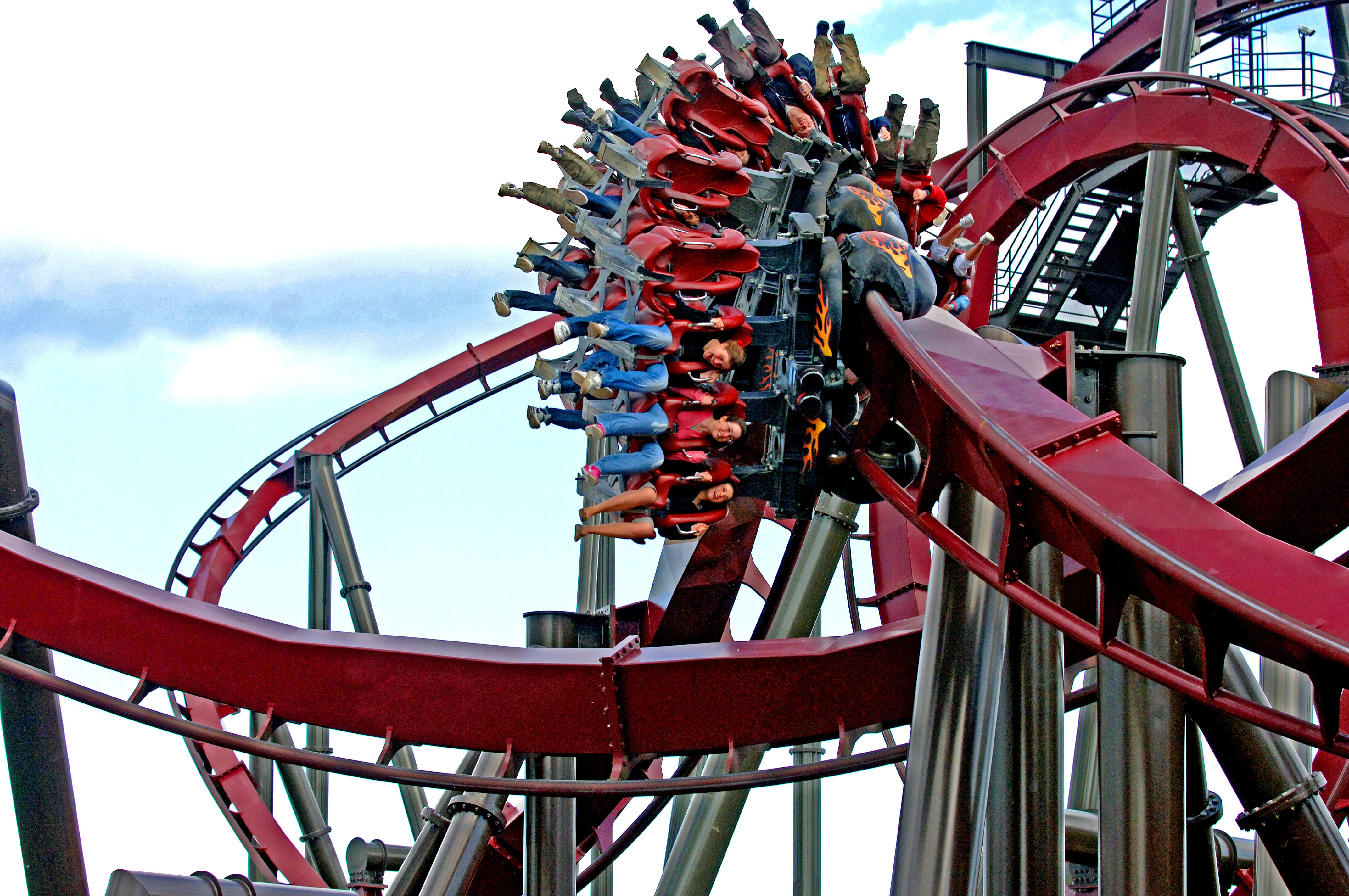
    Thanks for this Jax, I will keep an eye on the ride activity. It's a shame she's such a complex ride but nevertheless the engineering team do an amazing job trying to get her back. Must be a hard job for them
  2. The Flying Fish

    Matt N reacted to Cal for a post in a topic

    1 point
    Operator was clearly just feeling generous, unless they run 5 laps as standard now. But they do usually adjust laps based on queue time.
  3. Stealth

    jordionie reacted to JoelAllen for a post in a topic

    0 points
    Closed all day again today, no train on the track, a sign in the plaza and a member of staff letting people know, but that’s it 😭

Configure browser push notifications

Chrome (Android)
  1. Tap the lock icon next to the address bar.
  2. Tap Permissions → Notifications.
  3. Adjust your preference.
Chrome (Desktop)
  1. Click the padlock icon in the address bar.
  2. Select Site settings.
  3. Find Notifications and adjust your preference.