08newmanb
Members
-
Joined
-
Last visited
-
 Just like any other pit stop crew. Traditional.
 -
Because what really happened is what really matters.
-
and so say this, it’s not about ride issues… it’s about keeping disclosures IN LINE.
-
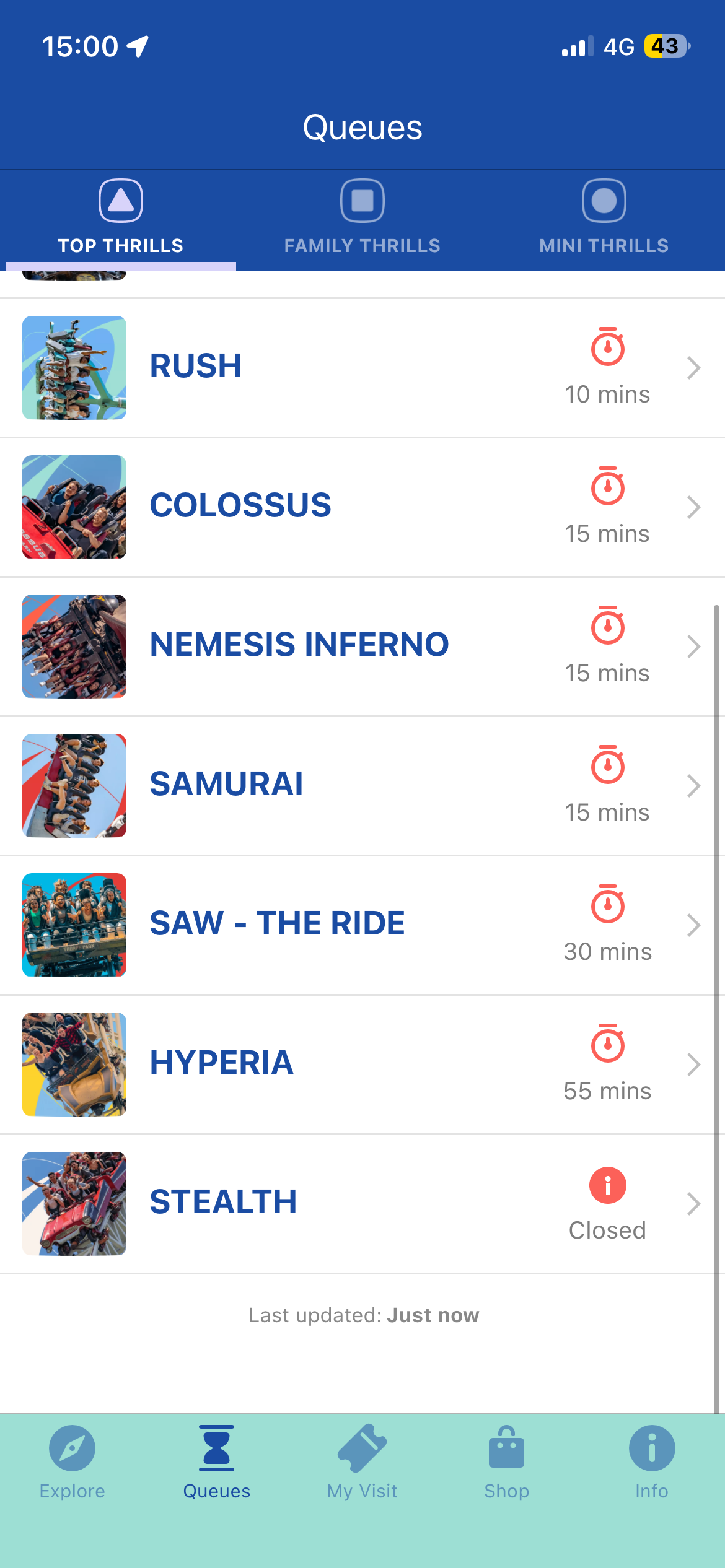
I know that. There still must be something wrong with the hydraulic system that must have caused the earlier rollbacks. All it needs is to either reopen or be “closed all day”, so as to let other people know. Remember may 27th 2026, stealth said delayed opening all day and had still not opened that day. It was confusing and annoying.
-
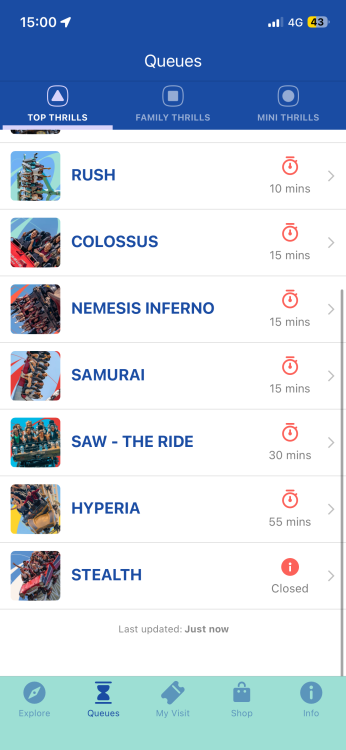
Stealth has still NOT opened or been marked as “Closed all day”. This is ridiculous!
-
-
Preventing pipe leakages, why not newspaper and bootlaces?
-
Back open since 4:20
-
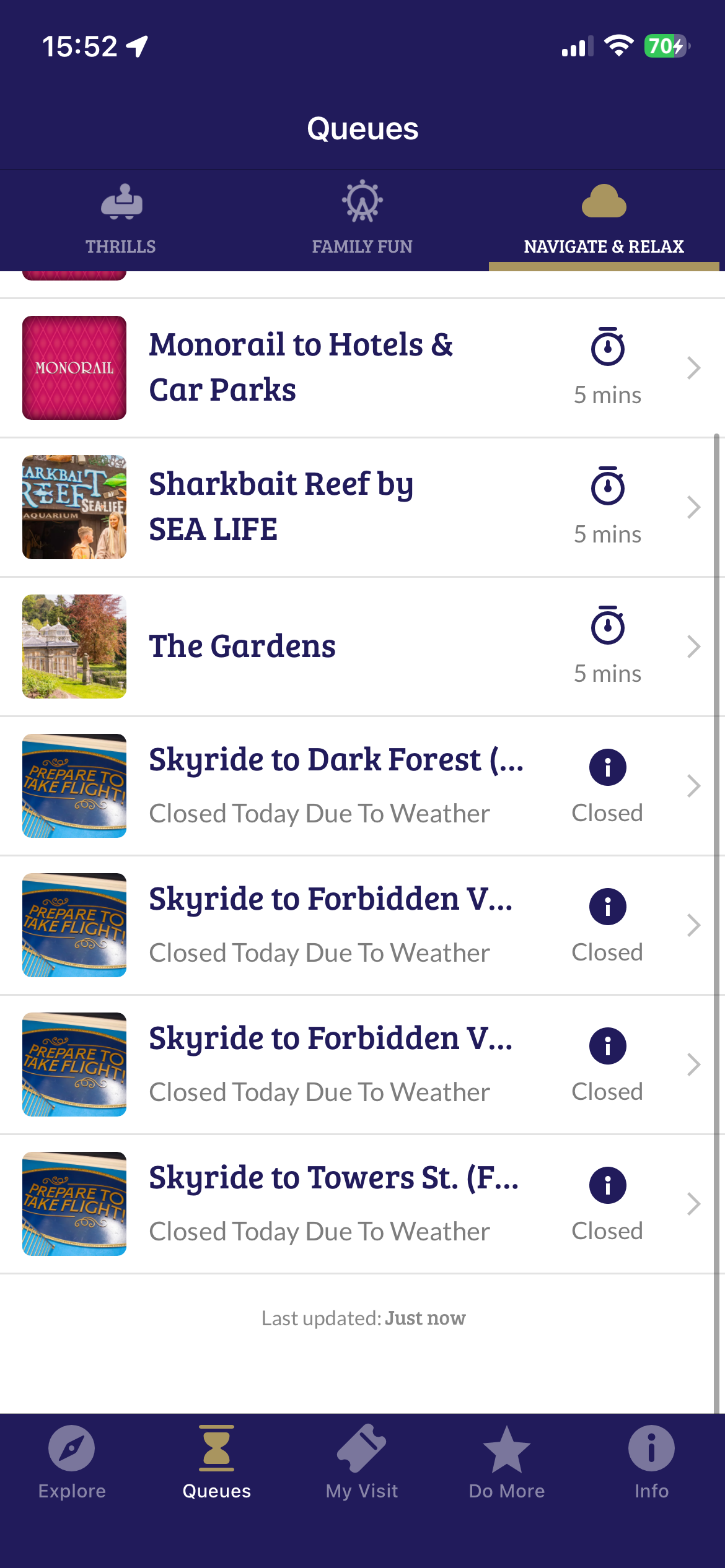
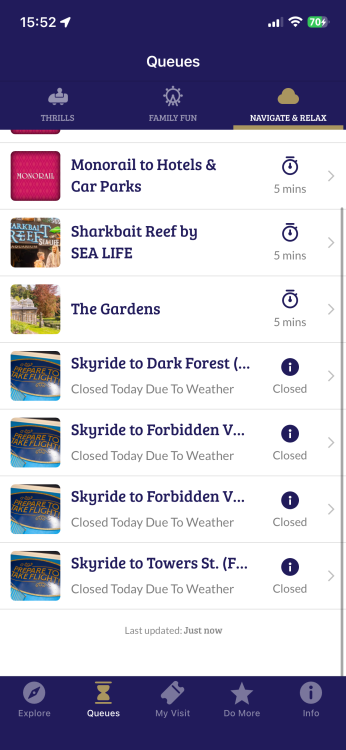
Well I guess it should have said either “closed all day”, or “closed today due to weather”, rather than “delayed opening”, it often causes confusion and delay. To be precise. Look at the sky ride at Alton towers resort.
-
Stealth has still not opened today. I wonder what’s wrong. Anyone who could tell me the reason, then I understand. It can keep on getting tucked on delayed opening. If it’s closed all day as said, then I’m not bothered.

-
Why not fill in the gap at the start to fit with the rest, with this: Please adhere, the journey will soon dispose. Your ride on Colossus is about to begin. Please keep your arms inside the train, your feet on the floor. And brace yourselves at all times. Once again, your ride on Colossus is about to begin. Please keep your arms inside the train, your feet on the floor. And brace yourselves at all times.
-
To many theme park fans visiting Thorpe Park in early 2026, those new "JBS Works (est 2009)" signs are a brilliant double-reference. They serve as both a piece of gritty, immersive worldbuilding for the "Saw Warehouse" and a sentimental meta-tribute to one of the park's most influential creative figures. 1. The Lore Reference: "Jigsaw's Building Services" In the fictional world of Saw, John Kramer (Jigsaw) was a highly successful civil engineer and architect. Before he became a serial killer, he operated through various property management and engineering fronts (like Gideon Properties). Within the context of the ride's backstory, JBS Works likely stands for "Jigsaw's Building Services" or "John's Building Solutions." * The Aesthetic: The name fits perfectly with the industrial, rusted warehouse theme. It suggests that the warehouse where the "games" take place was a legitimate business front owned by Kramer. • The Date: The "est 2009" is a direct nod to the year SAW - The Ride first opened at Thorpe Park, bridging the gap between the fictional company and the real-world history of the attraction. 2. The Meta-Tribute: John Burton Studios Beyond the Saw universe, there is a very high probability that "JBS" is a "signature" left by John Burton (JB), the Senior Creative Lead for Merlin Magic Making who was the driving force behind Thorpe Park’s recent "Golden Era" (including Hyperia and The Walking Dead: The Ride). • The Timing: John Burton officially announced his departure from Merlin Entertainments in March 2026. As he moved on to new ventures, it’s standard practice in the industry for designers to hide their initials or "studio" names in the queue line theming or on building facades as a final farewell. • The Signature: Fans often refer to his work and the team he led as "John Burton Studios" (JBS). Placing "JBS Works" on the side of the warehouse for the 2026 refresh is a way for the park to honor the man who spent years maintaining and evolving their world-class thrill rides. 3. Why the Refresh in 2026? The appearance of these signs coincides with a broader effort in 2026 to "clean up" the older IP-themed areas of Thorpe Park. While Hyperia remains the flagship, the park has been investing in high-quality signage and fresh paint for Saw and The Swarm to ensure the entire "Thrill Quarter" of the park stays cohesive and atmospheric.
Well, you know, race cars don’t need headlights, because the track is always lit.
Well how about this?!